
Shure MV7: the microphone that stops home office from sounding like a laptop
My experience with the Shure MV7 as a USB and XLR microphone for calls, recordings and a much more grown-up desk sound.
Published · January 30, 2026
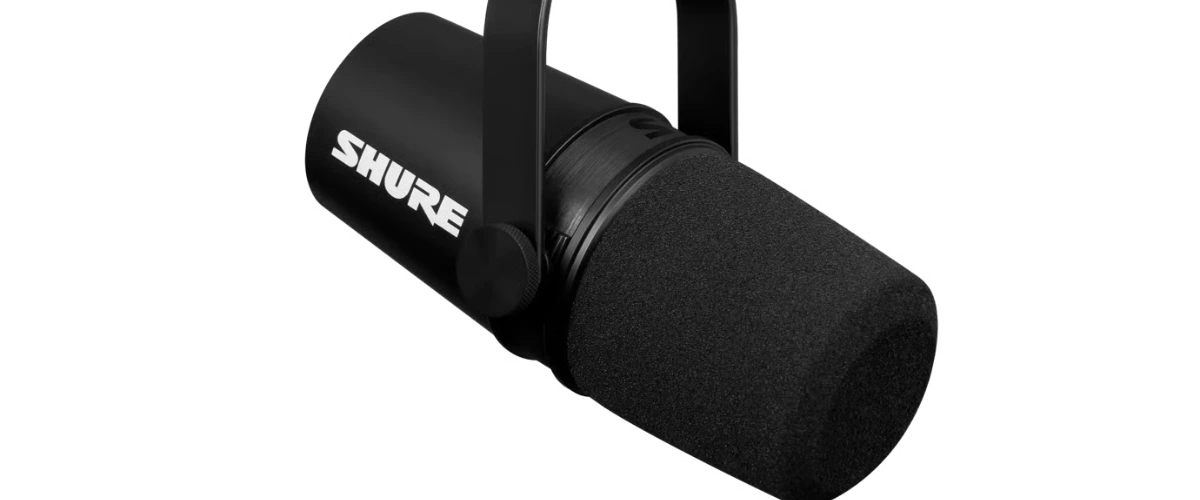
Good sound is unfair.
When it is there, you barely notice it. When it is missing, every call immediately feels more exhausting.
The Shure MV7 is one of those devices for me that does not loudly scream "premium", but simply makes sure I no longer sound like an internal laptop microphone.
That is a bigger upgrade than you expect.
Why use a separate microphone at all?
In the home office, you talk into technology a lot.
Meetings, quick check-ins, longer explanations, maybe a recording or voiceover here and there. Every time, a small microphone decides whether you sound pleasant or like you joined from another room.
I wanted something that works without an audio degree, but does not sound like a toy.
The MV7 fits exactly between those two points.
USB now, XLR later
The big advantage: the MV7 does USB and XLR.
For everyday use, USB is wonderfully simple. Plug in, open the software, set levels, done. If you later want to use an audio interface, XLR is there without buying a completely new microphone.
That is the kind of flexibility I like: not complexity for its own sake, but practical if the setup grows.
What I like about it
- The voice sounds closer and cleaner. Especially compared to laptop or webcam microphones.
- Dynamic is helpful in a normal room. It does not capture every tiny room sound as mercilessly as many sensitive condenser microphones.
- USB makes getting started easy. No forced interface, no setup drama.
- The Shure software is practical enough. Auto gain, presets and a little sound shaping are enough for everyday use.
Together with a proper camera like the Insta360 Link 2, it creates a home-office setup that does not feel overdone, but comes across much better.
What you should know
The MV7 is not a magical room improver.
If the room echoes like a stairwell, you will hear that. If the microphone is positioned badly, it will sound bad. You need to be reasonably close and aim it properly.
It also takes space on the desk, ideally with an arm. Just placing it somewhere and hoping is like lighting: technically possible, rarely nice.
Who it fits
People who speak a lot and do not want to think about sound every time.
Calls, small recordings, streaming, explanations, voice chats. Anything where voice matters, but you do not want to build a full studio.
I like that the MV7 sounds serious enough without being intimidating. It is not an audio-nerd monster. It is simply a good microphone that stays on the desk and does its job.
Exactly my kind of thing.
✦The MV7 is my sweet spot between good sound, easy use and enough room to grow later.
More good stuff
 Game Changer
Wispr Flow: Talking to Agents Instead of Enter-Enter-Enter
My experience with Wispr Flow as voice input for long sessions with AI agents, where typing is too slow and I would otherwise just click option A.
Not as a dictation gimmick, but because I finally tell my agent what I actually mean instead of clicking the next-best option.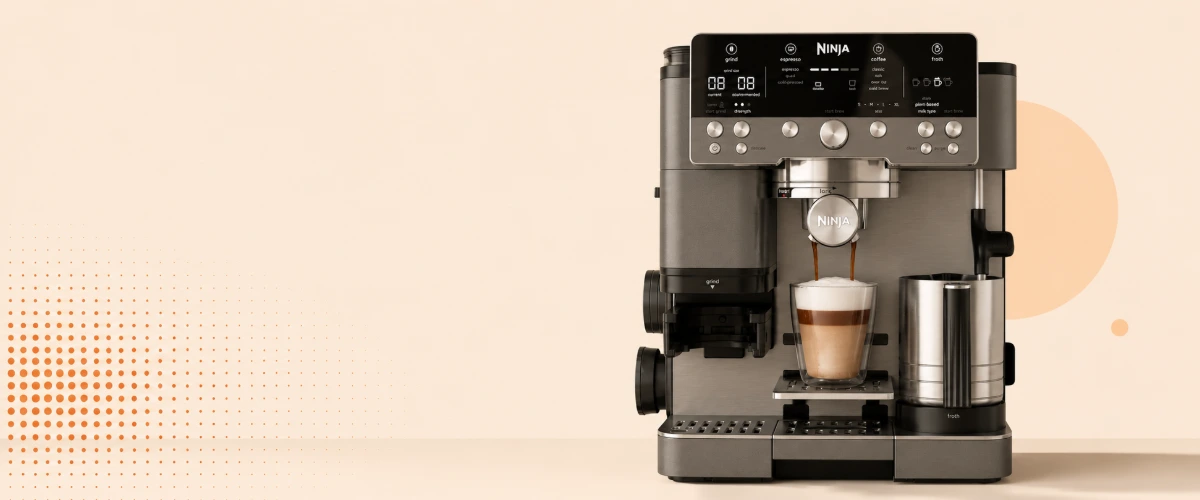 Würd ich wieder kaufen
Ninja Luxe Café Premier: the honest middle ground between a portafilter and a bean-to-cup
My experience with the Ninja Luxe Café Premier: why it is the perfect middle ground between portafilter effort and bean-to-cup mediocrity.
No portafilter theater, no bean-to-cup compromise. The first coffee machine I stopped looking past.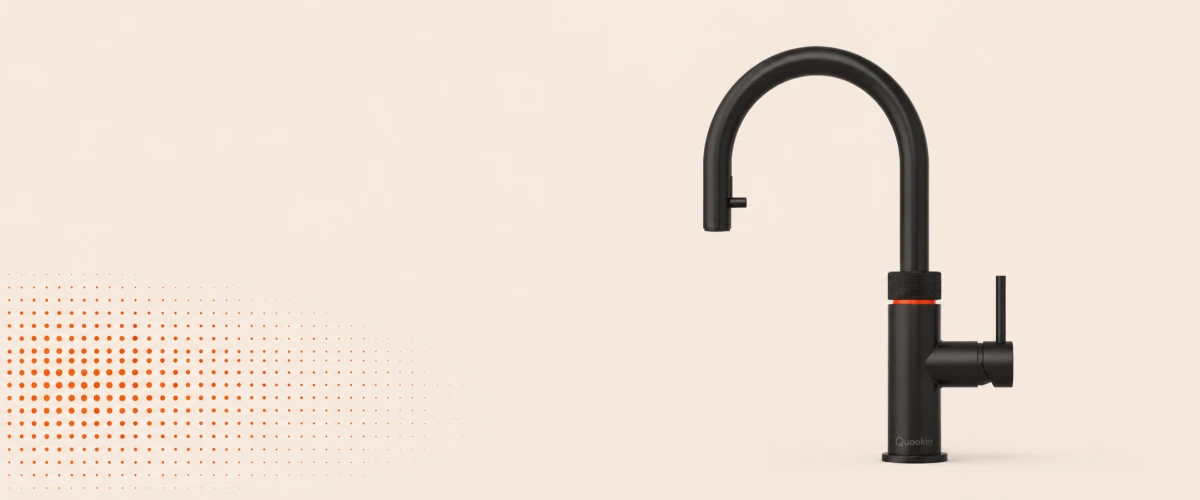 Daily Driver
Quooker Cube: expensive, unnecessary, and worth it every single day
My experience living with the Quooker Cube: instant boiling water for tea, chilled sparkling water on tap and whether the steep price is actually worth it.
An absurdly expensive tap that never feels spectacular, and is worth it every single day for exactly that reason.